Real source texts are worth reading,
but they’re hard to finish.
When you hit a hard passage, you leave the page to look something up, open a translator, or ask a chatbot. By the time you return, the reading is broken.
Gloaming is a quiet reading environment: the activity stays reading. Help appears beside the text only when you’re stuck—then you continue. English ebooks are the focus today.
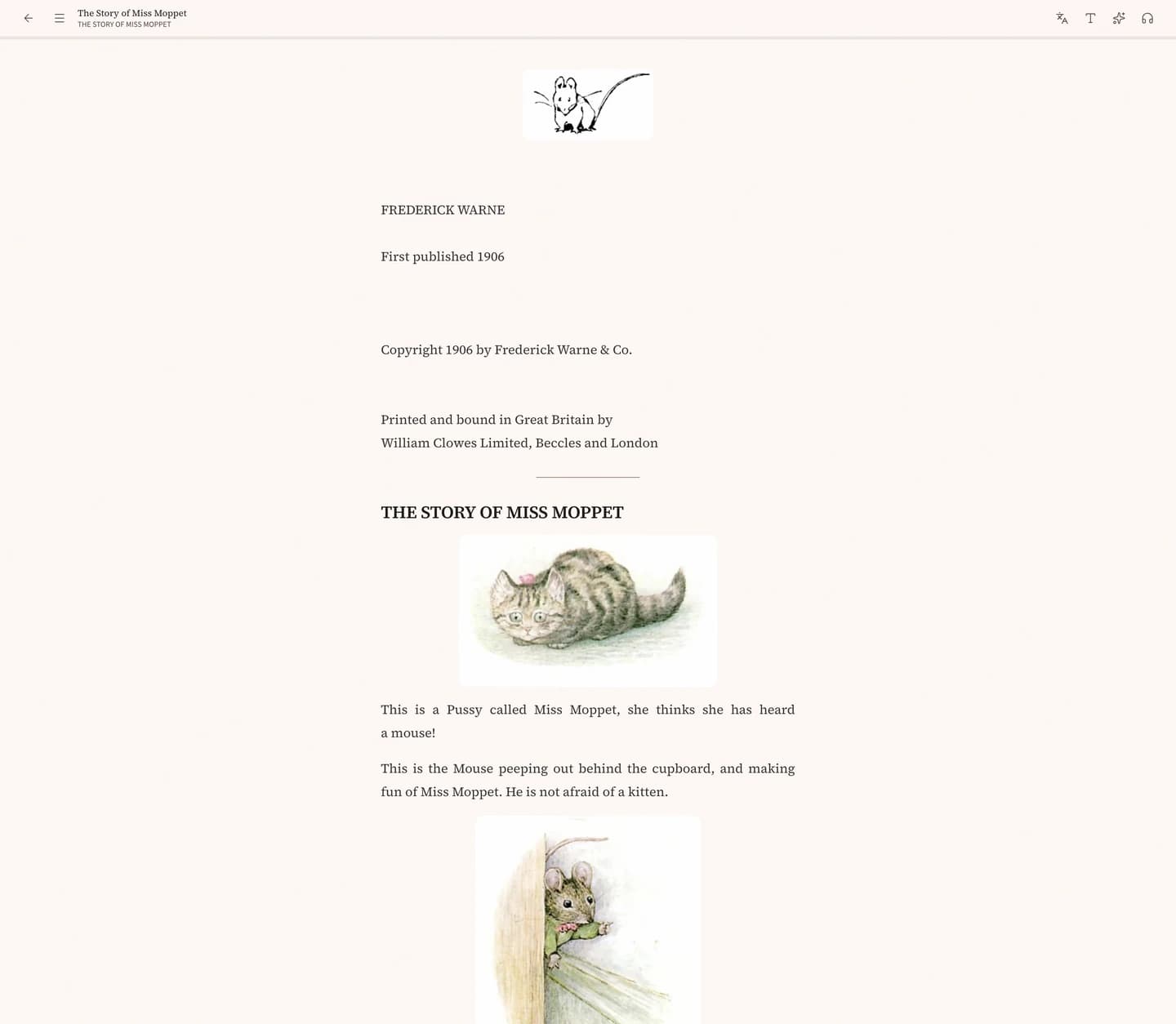
The hard part isn’t finding content. It’s stopping mid-read.
It often isn’t that a word is too hard—it’s that every tool pulls you out of the page you wanted to stay in.
One lookup, and you’ve left the page
Switch apps, copy-paste, come back—and the context you just built is gone.
Ask for help, and it turns into class, drills, or chat
Quizzes, review curves, long dialogues. You only wanted to keep reading.
Next time, you can’t find where you stopped
Books scatter, progress fades, and it’s easier to give up than to resume.
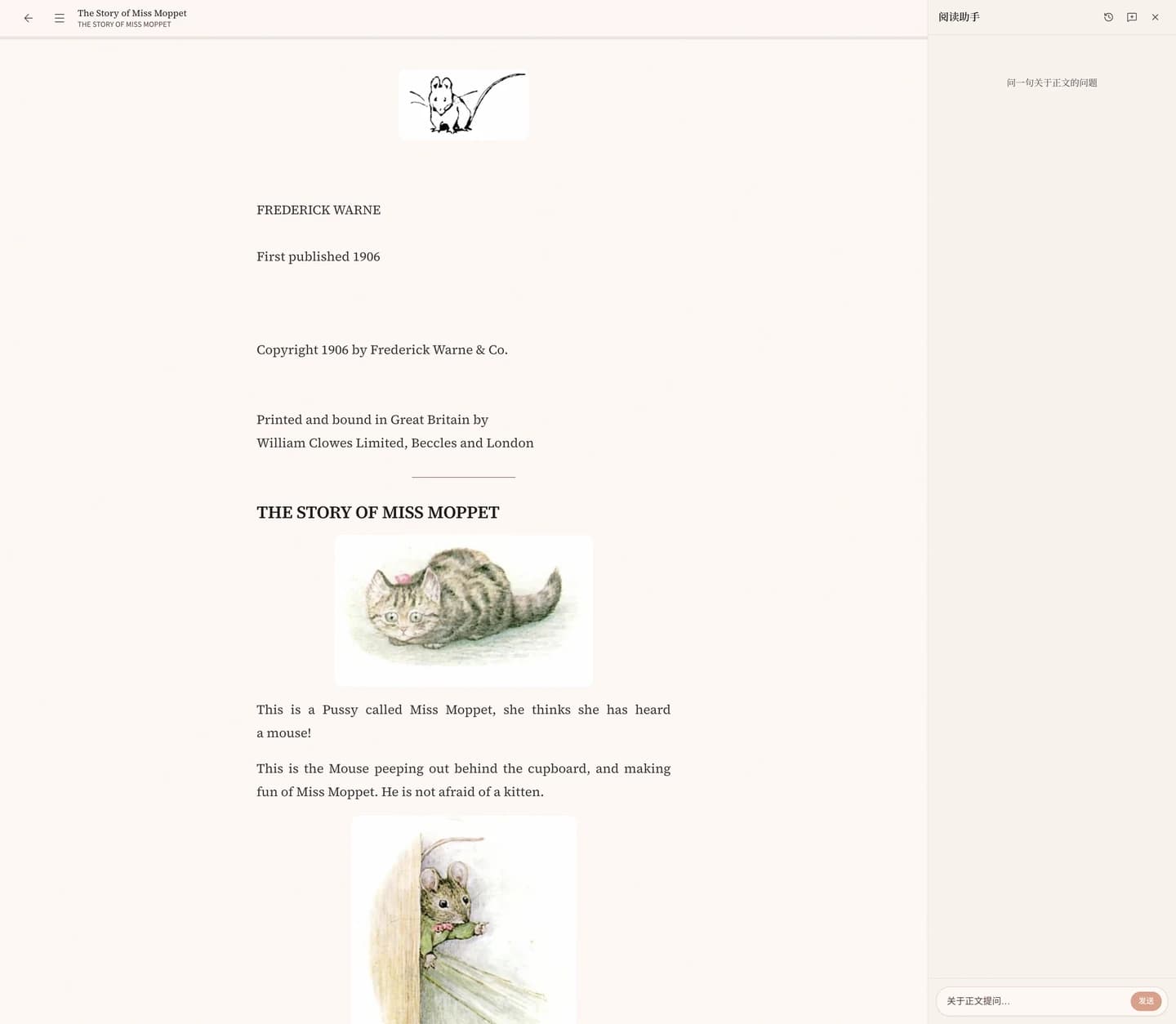
How we solve it
Keep the energy on reading itself—from choosing a text, through hard lines, to picking up again.
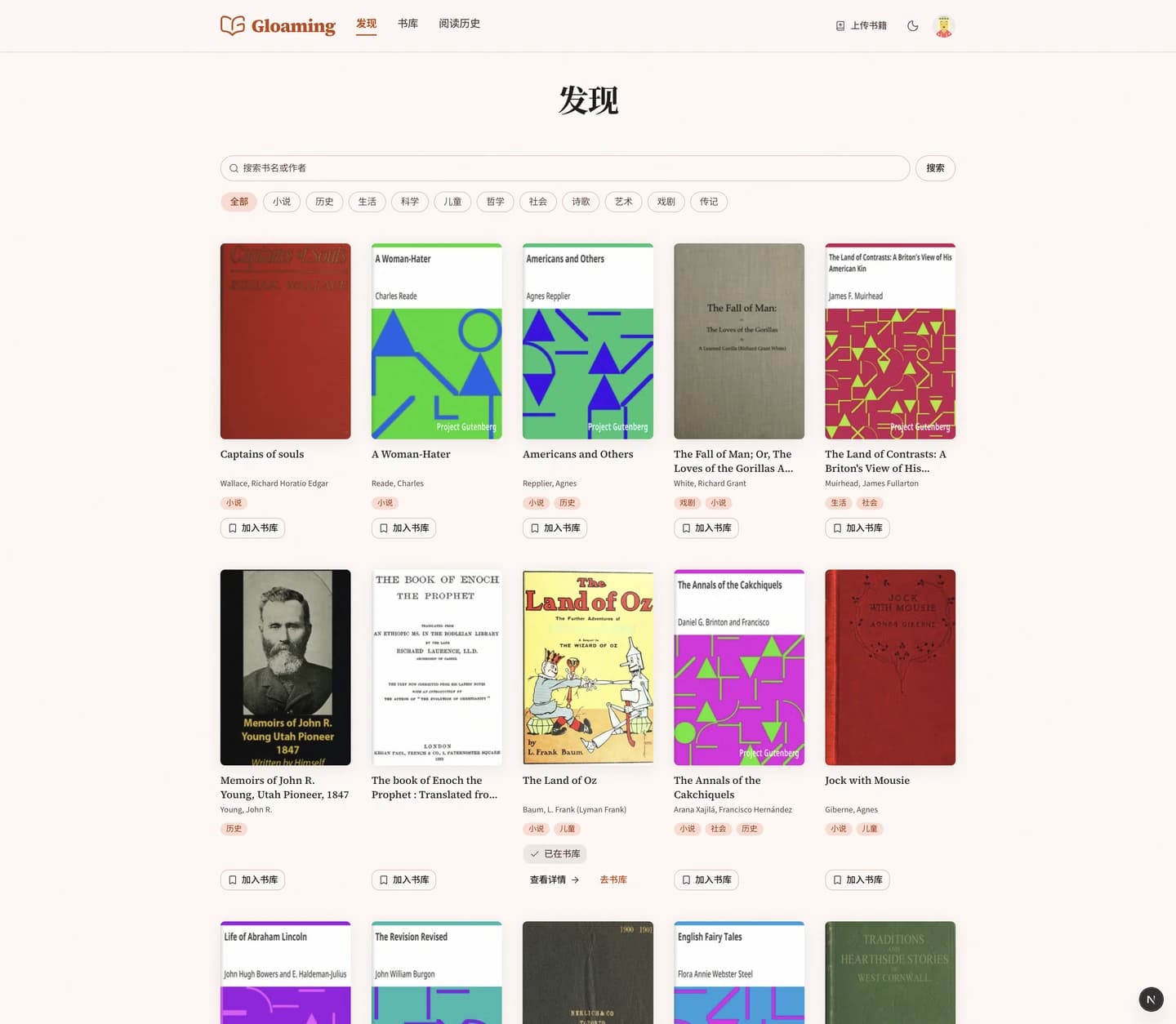
Bring content in first
Browse the catalog in Discover, or upload your own file into your Library. We don’t invent “learning articles” as the main content.
- Public-domain titles you can browse by category
- Upload your own EPUB into a private library
When stuck, understand beside the text—then continue
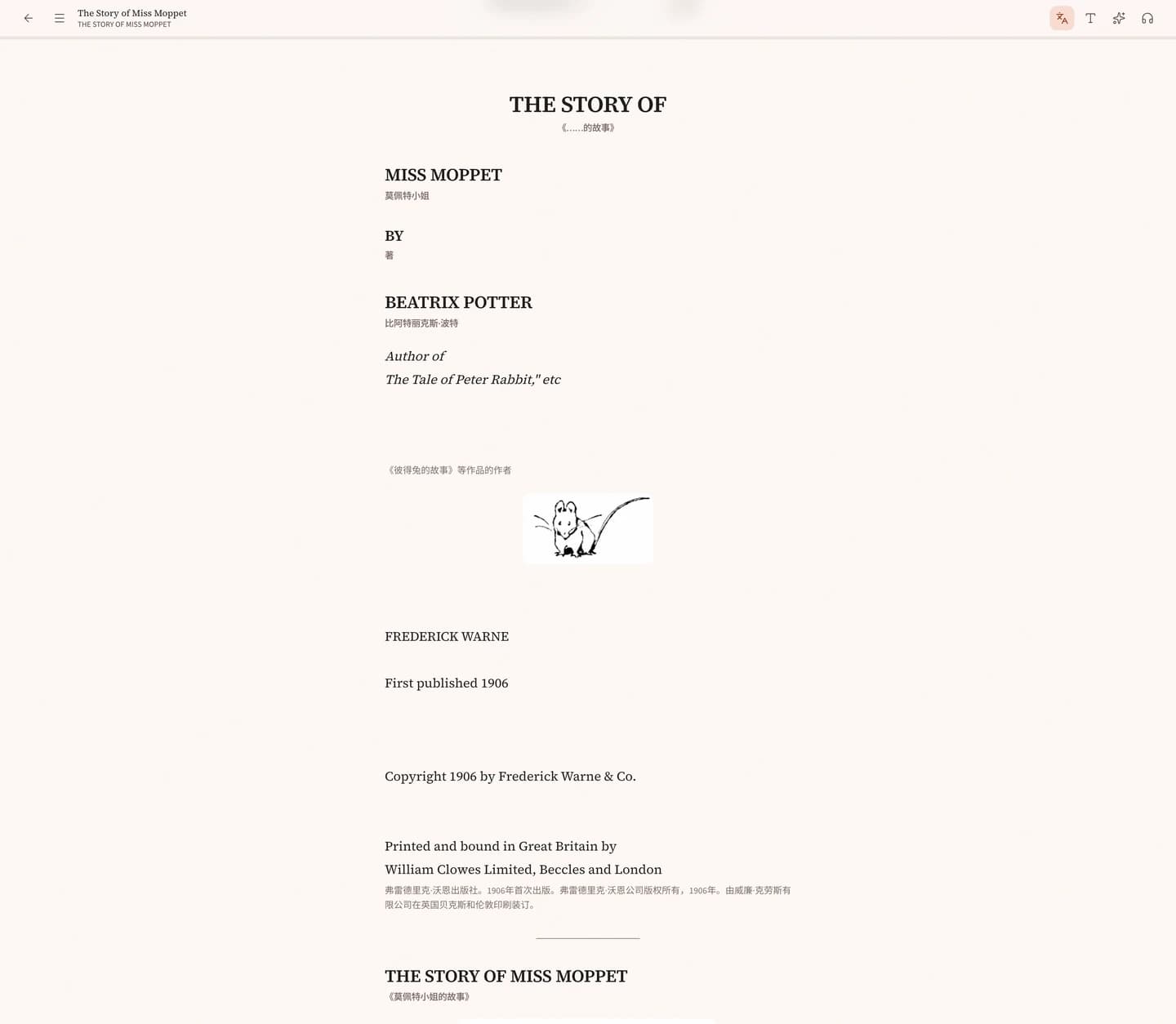
Select a passage to look up, translate, or explain in context. Listen when you want, or open a parallel view. The default stays the source text; turn help off and the text still reads.
- Help stays beside the page—no app switching
- Listen when you need it
- Open bilingual view when useful, hide it anytime
Come home to what you left unfinished
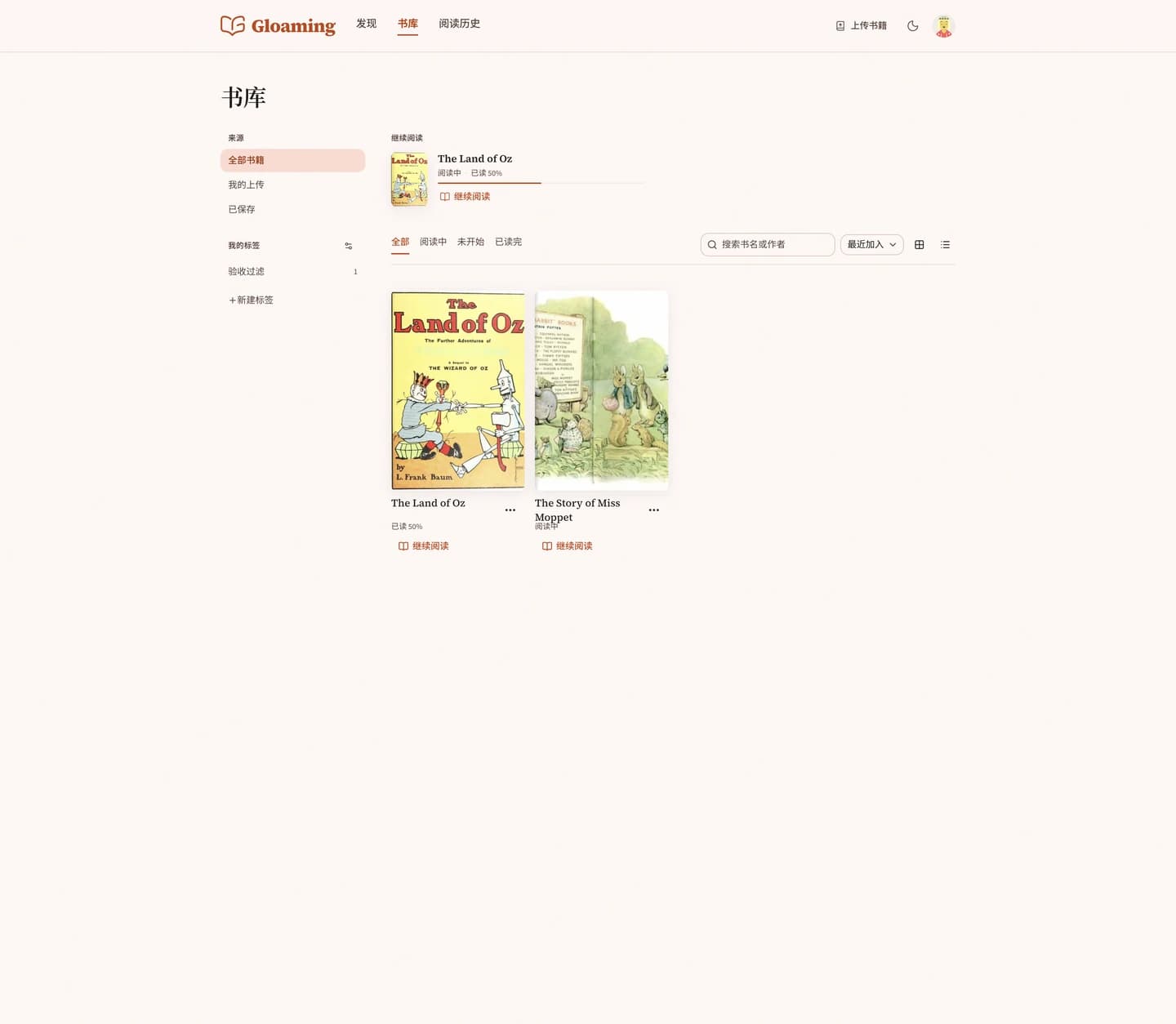
Library isn’t a study dashboard. Open it and continue reading—uploads and saved titles live together.
- Continue Reading returns you to where you stopped
- No streak badges, no vocab homework alerts
What we deliberately don’t do
Protecting attention matters more than packing features.
No course trees or homework
You don’t level up through drills. Real source text is the material.
No shame streaks
Reading is interest, not a number holding you hostage.
Vocab collecting isn’t the main job
The job is finishing the page—not building a word deck.
Chat is not the home screen
Home is the shelf and the text. Help appears only when asked.
Find a source text you want,
and keep reading.
When stuck, understand beside the page—then continue. Not a class. Not a chat.
Open and read · Import your own files · Keep reading first